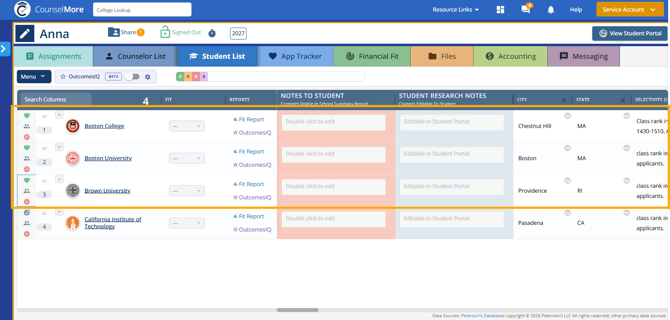
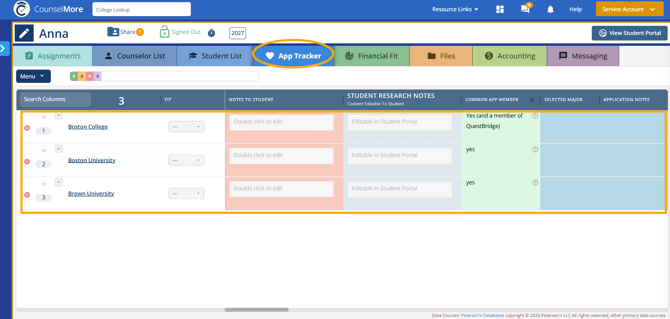
This is how to promote/move a school or schools from the counselor list to the student list to the app tracker
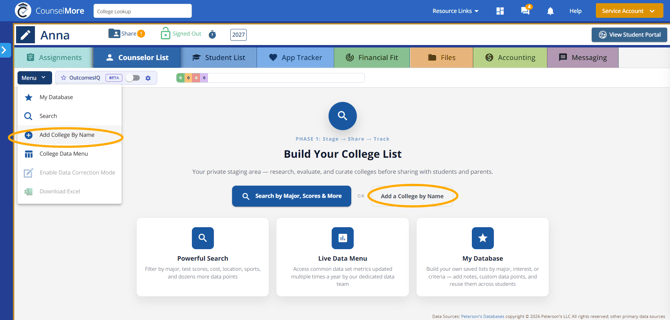
1. Add a school by name and then add it to the counselor list.
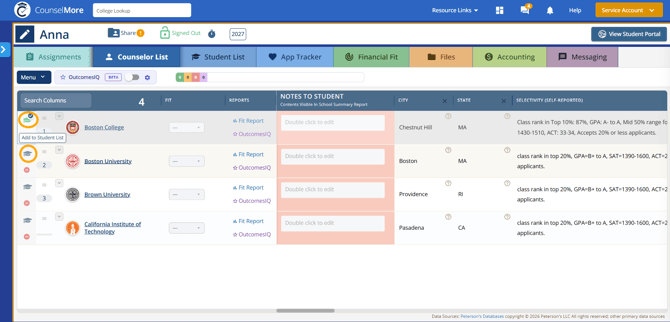
2. Click the graduation cap and when it turns green (not grey), that means that it is in the student list.
3. Go to Student list. Click the emoji icon, and click the green heart button, and that will make it be added to the app tracker.
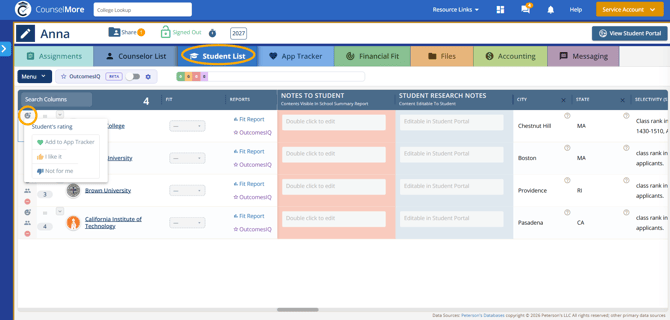
4. The schools that have the green heart in the student list will be promoted to the App Tracker List.